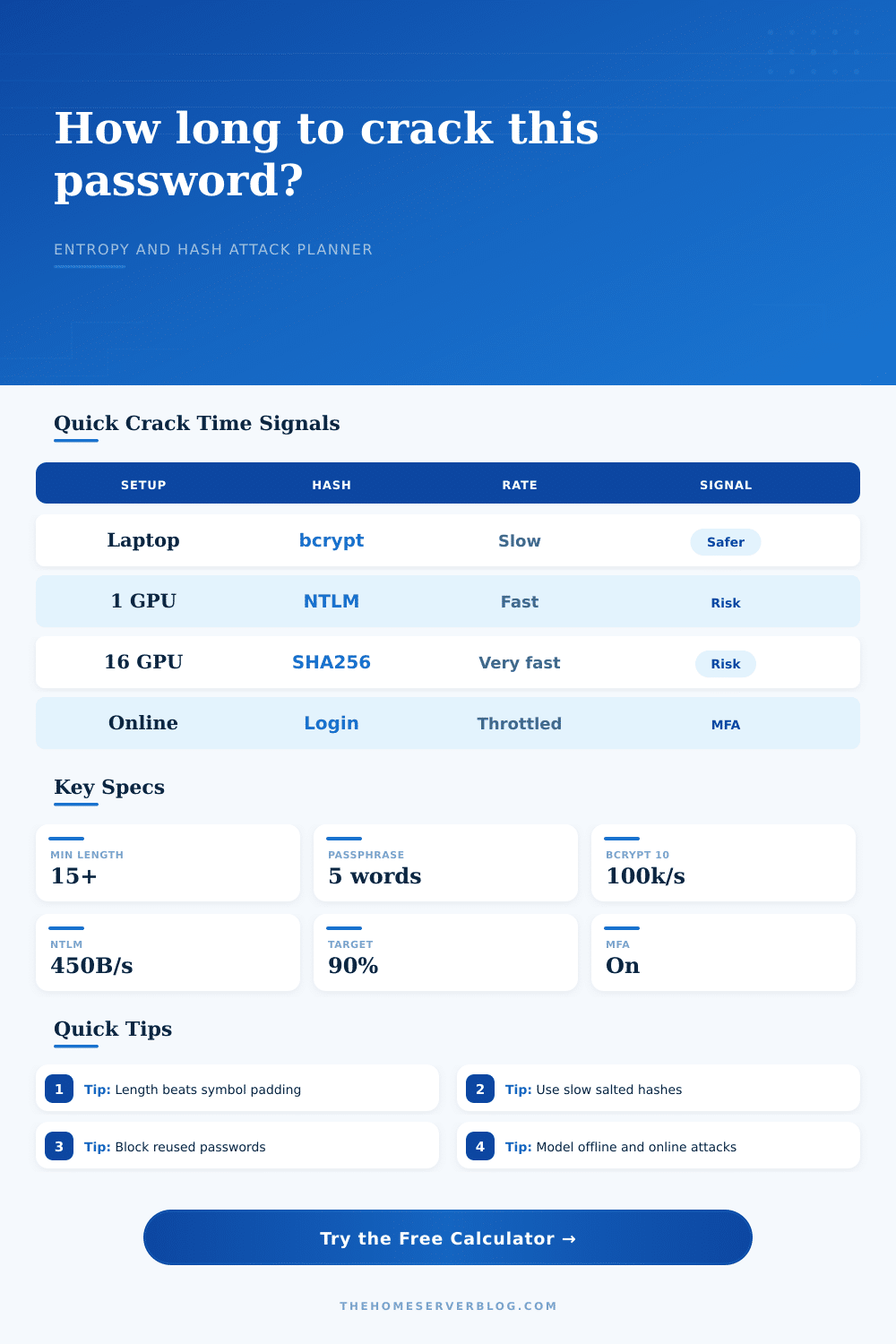
Password Crack Time Calculator
Estimate entropy, offline hash cracking time, online lockout delay, and attacker hardware impact for home lab accounts.
| Character Set | Pool Size | Bits Per Character | Home Lab Use |
|---|---|---|---|
| Lowercase letters only | 26 | 4.70 | Readable but weak unless very long. |
| Lowercase plus uppercase | 52 | 5.70 | Good for generated passwords with enough length. |
| Letters plus digits | 62 | 5.95 | Common password manager alphabet. |
| Printable ASCII without space | 94 | 6.55 | Strong when random and not pattern-based. |
| Printable ASCII with space | 95 | 6.57 | Useful for passphrases and admin consoles that allow spaces. |
| Classic Diceware words | 7776 | 12.92 per word | Five to six random words are practical for typed secrets. |
| Hash or Protocol | Modeled Rate Per Modern GPU | Storage Quality | Practical Home Server Meaning |
|---|---|---|---|
| NTLM or unsalted fast hash | 450 billion/s | Unsafe for password storage | Short random passwords can fail quickly after a database leak. |
| MD5 unsalted legacy app | 220 billion/s | Unsafe for password storage | Retire or wrap legacy apps behind stronger identity controls. |
| SHA-256 unsalted fast hash | 35 billion/s | Not a password KDF | Fast cryptographic hashes are not slow enough for passwords. |
| WPA2/WPA3-Personal capture | 2.2 million/s | Protocol-bound | Long random Wi-Fi PSKs resist captured-handshake attacks better. |
| PBKDF2-HMAC-SHA256 strong setting | 1.1 million/s | Acceptable when tuned | Iteration count matters; use current application guidance. |
| bcrypt cost 10 | 100 thousand/s | Slow salted hash | Still common; increase cost when server latency allows. |
| bcrypt cost 12 | 25 thousand/s | Slow salted hash | Four times slower than cost 10 in this model. |
| scrypt interactive setting | 5 thousand/s | Memory-hard KDF | Resists GPU scaling better when memory cost is tuned well. |
| Argon2id memory-hard setting | 250/s | Preferred modern KDF | Strong choice for new services when memory and time costs fit. |
| Scenario | Search Multiplier | What It Represents | Defensive Interpretation |
|---|---|---|---|
| Pure brute force | 1.000 | Every candidate in the modeled keyspace is tried. | Best for truly random password manager output. |
| Smart mask attack | 0.080 | Attacker guesses known shapes such as word plus digits. | Avoid predictable capitalization and suffix patterns. |
| Breach corpus mutations | 0.020 | Known passwords, substitutions, and appended years are tested first. | Block breached passwords and stop password reuse. |
| Targeted personal guesses | 0.005 | Names, domains, pets, teams, and local context guide guesses. | Keep home lab names out of passwords and hints. |
| Known reused candidate | 0.000001 | A short candidate list from another breach is tested. | Unique passwords matter more than extra symbols. |
| Account or Secret | Suggested Target | Why It Matters | Calculator Preset |
|---|---|---|---|
| Router or firewall admin | 20+ random characters | Internet-facing management mistakes are high impact. | Lab Domain Admin |
| NAS administrator | 18+ random characters plus MFA | Protects backups, media, documents, and snapshots. | NAS Admin Strong Random |
| Proxmox or hypervisor root | 6 random Diceware words | One account can control every VM and container. | Proxmox Root Passphrase |
| VPN user login | 16+ random characters plus MFA | Remote access should survive credential stuffing. | VPN User With MFA |
| Wi-Fi personal PSK | 20+ random printable characters | Captured handshakes can be attacked offline. | Home Wi-Fi WPA2 PSK |
| Service account token-like password | 24+ random characters | Often exempt from MFA and typed rarely. | Service Account 24 Char |
| Reference Point | Practical Value | Calculator Impact | Home Server Action |
|---|---|---|---|
| NIST SP 800-63B Rev. 4 direction | Longer passwords and broad character acceptance | Model length first, not composition rules alone. | Permit long passphrases and at least 64 characters where possible. |
| OWASP password storage guidance | Use salted slow hashes or memory-hard KDFs | Choose bcrypt, scrypt, PBKDF2, or Argon2id instead of fast hashes. | Upgrade apps that store MD5, SHA-1, SHA-256, or NTLM-like secrets. |
| Offline database breach | Rate limits no longer help after hashes are stolen | Offline card shows the danger of fast hashes and GPUs. | Back up configs safely and restrict database dumps. |
| Online login endpoint | Lockouts, fail2ban, and MFA change attack economics | Online card applies attempts per hour and MFA friction. | Throttle exposed panels and alert on repeated failures. |
The way I think about it: You build a home lab so you can see how things work, but frequently lose sight of the fact that your passwords represent weakest link in the chain. It’s tempting to spend hours setting up firewalls and tweaking storage without thinking to change router admin password, which by default might be admin123.
Don’t play that game. Offline cracking attacks don’t care what you intended. All they care is the mathematical relationship between your secret and amount of computing power the attacker has to crack it. Change your perspective on that relationship and you goes from vague feelings of anxiety to concrete security engineering.
How to Keep Your Passwords Safe
Complexity, they believe, comes from complexity. Replace a dollar sign with an S. Add an exclamation mark at the end. It’s a little comfort in a world where hardware get better and better at cracking passwords. And it fails because math tells us it’s not about the symbols. It’s about the length. Each additional character can double or triple (depending on how much variety you’ve got in your character set) the potential number of combinations an attacker have to attempt. A password made up of 20 random characters is exponentially more secure then an eight-character string containing all of the special characters in the world.
The tool above does the number-crunching for you. But the principal is easy: length crushes cleverness.
But not all hashes are created equal. The password itself is obviously important, but kind of hash your service uses matters too. Fast hashes (e.g., SHA-256, MD5) are the ones you don’t want: With a single moddern GPU, a hacker could easily guess billions of these hashes every second. Think about it this way: You live in a house with unlocked doors and everybody has a key ring. Ouch.
Slow hashes (e.g., Argon2id, bcrypt), on the other hand, are intended to bog down an attacker’s attempts. They’re computationally expensive, forcing attackers to wait. Sure, they may have stolen your database, but because those slow hashes will cause it to take minutes/days/hours rather than seconds to crack each individual password, that theft become less valuable. Before doing anything else, check what kind of hashing algorithm your lab services uses.
But online attacks are a whole other beast. There’s no computing power constraint; it’s all about patience and detection. An attacker could try every common password forever until they eventualy guess correctly if your login page has unlimited attempts. But with multi-factor auth, rate limiting, or even simple lockouts; it becomes economic.
The calculator does that friction modeling for you. A strong MFA setup transforms a couple of hours of guessing into years of useless labor. And that’s why MFA on exposed services isn’t negotiable. It doesn’t make it a speed contest, but rather an endurance test where the attacker will eventualy fail.
Be more paranoid about some accounts than others. The Wi-Fi password can be captured offline; make that as long and random as possible. Email accounts can be targeted by online stuffing attacks; give them unique credentials plus MFA. Don’t reuse your passwords between those bucket. If you’re using the presets in the tool, note that a short password and weak hash means immediate compromise, whereas a long passphrase and strong hash extends it out to centuries. That’s where you wanna live.
You don’t want to make yourself unhackable. You want to make yourself not worth hacking. The bad guys goes where the easiest pickings are. Do you think they’re going to spend as much time trying to crack your password when it takes them longer than your neighbor’s? Use MFA, use slow hashes, make your passwords long and you increases the price past what they’re willing to pay. It’s a silent defense, but one that works.
Go check your exposed services now. Are they the low hanging fruit? If so, fix them first. Then rest easy in the knowledge your secrets are still, well…secret.