Snapshot Storage Growth Calculator
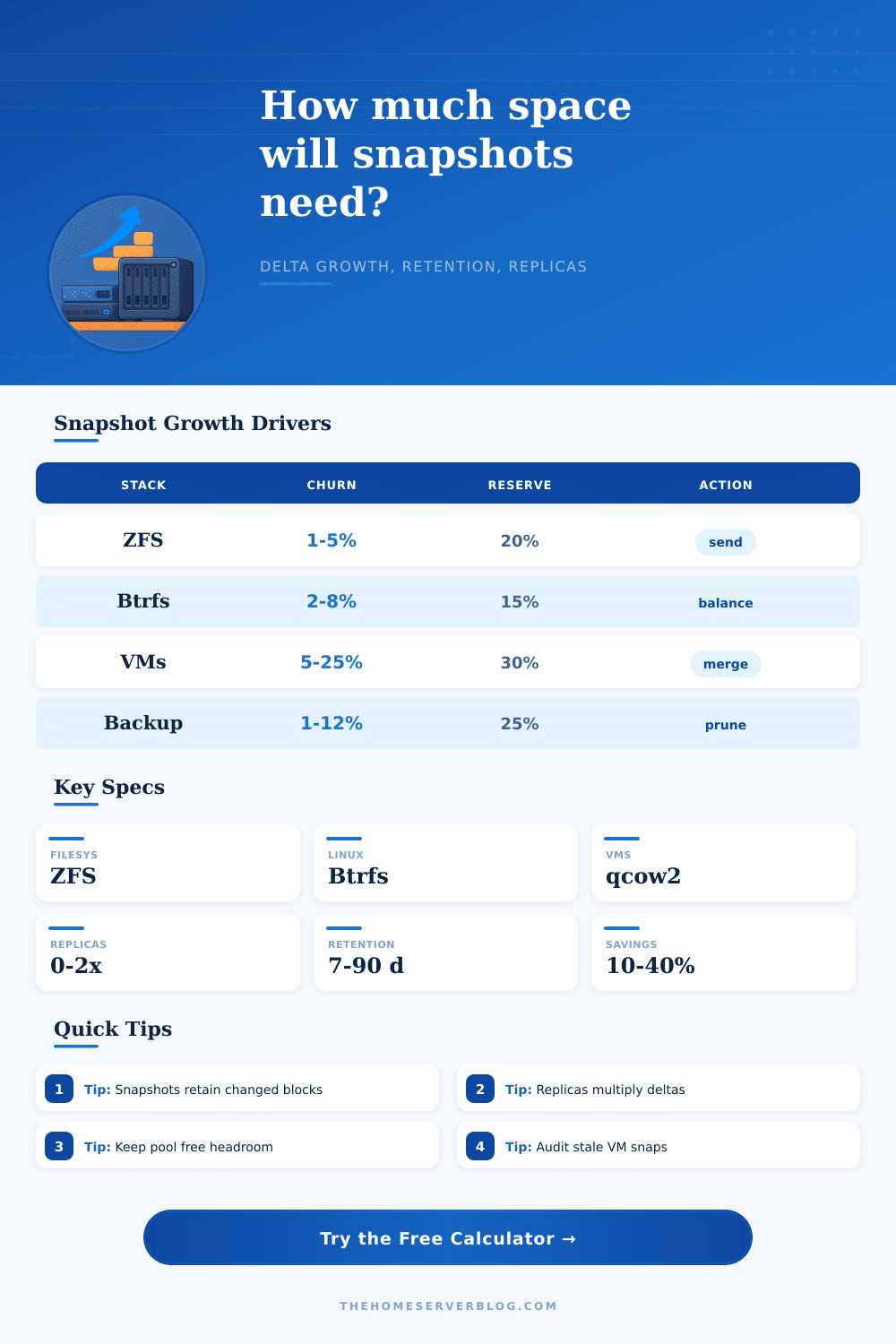
Estimate how much storage ZFS, Btrfs, Proxmox, VMware, Hyper-V, and backup snapshots consume as changed blocks accumulate through hourly, daily, weekly, compressed, and replicated retention windows.
Snapshot math breakdown
Capacity pressure
| Snapshot stack | Delta behavior | Typical overhead | Best retention fit |
|---|---|---|---|
| ZFS snapshots | Changed blocks retained by dataset. | 3% to 8% | Hourly plus daily NAS restore points. |
| Btrfs snapshots | Extent sharing with metadata growth. | 5% to 12% | Linux systems and subvolume backups. |
| Proxmox snapshots | VM disk deltas and config state. | 8% to 18% | Short maintenance windows and lab rollback. |
| VMware snapshots | Delta disks grow until consolidation. | 10% to 20% | Temporary rollback, not long archives. |
| Backup repository | Packed, compressed, deduplicated blocks. | 6% to 14% | Daily and weekly restore point policies. |
| Ceph RBD | Copy-on-write block references. | 5% to 10% | Cluster images and clone workflows. |
| Workload | Daily churn range | Compression expectation | Snapshot warning |
|---|---|---|---|
| Media share | 0.2% to 2% | Low | Deletes hold large video files until old snapshots expire. |
| VM datastore | 5% to 25% | Medium | Databases and swap files rewrite many blocks. |
| Photo or design NAS | 1% to 8% | Low-medium | Exports and re-edits can double retained deltas. |
| Databases | 8% to 40% | Medium-high | VACUUM, indexes, and WAL can amplify churn. |
| Home Assistant | 3% to 15% | High | SQLite and recorder history change every day. |
| Backup target | 1% to 12% | High | Repository compact jobs may temporarily need extra room. |
| Retention pattern | Example rule | Storage effect | When to use |
|---|---|---|---|
| Short rollback | 24 hourly | Low to moderate | Patching, upgrades, and config experiments. |
| Home NAS standard | 48 hourly, 30 daily, 8 weekly | Moderate | Files, photos, documents, and app data. |
| VM maintenance | 12 hourly, 7 daily | High if busy | Rollback around guest updates or migrations. |
| Backup archive | 14 daily, 12 weekly | Predictable | Repository restore points with pruning. |
| Compliance light | 90 daily, 52 weekly | Large | Records with low churn and clear audit needs. |
| Preset | Protected data | Churn signal | Replica style |
|---|---|---|---|
| TrueNAS Media Pool | 18 TiB | Low deletions | One offsite ZFS send target. |
| Proxmox VM Datastore | 6 TiB | Busy VM blocks | One PBS or NAS replica. |
| Btrfs Laptop Backups | 2.5 TiB | User file edits | Local only or one USB mirror. |
| PostgreSQL Dataset | 4 TiB | High database rewrite | Two replicas for lab and cold copy. |
| Golden Image Library | 12 TiB | Mostly append-only | One remote archive target. |
This calculator estimates retained delta blocks for planning. Validate with real pool reports such as ZFS referenced bytes, Btrfs exclusive data, hypervisor snapshot sizes, and backup repository statistics.
Starting from scratch with a clean pool and a backup plan is great! Your retention policy takes care of disaster recovery, but it can end up being more expensive then you expect once snapshots start eating into your storage.
But now you realize that even after you delete a file, it won’t be freed until all snapshots pointing at that block is deleted. A lot of people’s infrastructure plans falls short because there is a difference between what they think their data looks like and how much space it actualy uses on the disks. It’s not about how much data you have, but how much of it change over time and for how long you want to hold onto old versions.
How to Save Space on Your Backups
Enter your churn rate, number of retention windows and dataset size into the calculator above and let it do the math for you. That way if you find you can’t store all those hourly snaps in addition to daily ones, you don’t have to guess.
Here’s what you need to know: Both the current state and the snapshot retain every single changed block until they consolidate. So while two percent a day churn may not seem like much on an eighteen terabyte media pool, that means creating three hundred sixty gigabytes worth of new data per day. Multiply that by eight weeks of retention history, including thirty days of data and forty-eight hourly snapshots. Suddenly, the numbers get bigger than anyone notice.
This happens because most admins only monitor total used space rather than how much the snapshot itself has grown. The calculation also takes into account compression in weird ways. Most folks believe that every additional snapshot increase storage usage linearly; however, compression tends to show diminishing returns when it hits the same block multiple times in a series of snapshots. A snapshot series).
For example, a database workload may have very high churn with frequent journal writes; however, those writes won’t compress well because they’re already encrypted or heavily fragmented. Conversely, text configs and log files compresses really well, the effective delta can be much lower then the raw percentage of change. You can tune for your estimated savings percentage, so you don’t over-provision storage by assuming worst case uncompressed results.
The other aspect often overlooked is the replication overhead. When a snapshot is sent to a replica, it’s not just copying over data, but the whole chain of changes that would reproduce it at that moment in time. For disaster recovery purposes, where you may have multiple replica, this means that storage footprint increases many times over, even if you’re storing only the latest snapshots in the source pool. This is why knowing how much you are archiving remotely versus keeping local is important.
With one replica, you can afford to store 20 or 24 hours of frequent snapshots on the main server to catch accidental deletions. Meanwhile, you can reduce bandwidth and cost by sending only once-a-week points to their archive.
Snapshots can also create issues for virtual machines. Particularly those using hypervisor-level delta disks for their snapshot chain. If left unconsolidated (say, over the course of days), what was intended to be a quick-and-easy rollback method becomes both a capacity and a performance issue. Ongoing read-write activities between the delta layer and the base image cause massive disk fragmentation, dramatic slowing your I/O speed. Think of VM snapshots more like temporary fixes on the way to your destination, instead of long-term storage destinations themselves. Consolidate them soon after test/maintenance completion; otherwise you’ll have a sluggish virtual environment alongside a full datastore.
The most important part of all this planning is to understand what the real churn rate is on your workload. If you’re counting just how many new photos are being uploaded to a photo editing NAS, it can appear static; but changing settings and renaming photos generates metadata changes which may be tracked inefficiently by some systems. Even if there’s no indication anything is happening on the home automation dashboard, its logs is constantly changing. These invisible writes accumulate just as much toward snapshots’ growth as big video downloads.
While the reference tables included with the calculator are decent starting points for various stacks, ultimately the real number will come from knowing your own usage patterns. In short, thinking through how many snapshots you need to store is all about thinking through how fine-grained the recovery should be, and what’s going wrong in the first place. If you are planning for failure scenarios and recovery granularity, the last thing you want is to run out of storage capacity. And why pay for terabytes of empty space when your data doesn’t change often enough?
Build a buffer based off realistic churn models of your retention requirements, which will save your infrastructure but won’t break the bank. In other words, let the snapshots take up some space; but make sure each terabyte they use has value. Start with fresh backup plan and a clean pool, and know precisely how much space you want to reserve for previous versions of your data.