Video Surveillance Bandwidth Calculator
Estimate camera LAN load, remote uplink, NVR ingest, and storage write bandwidth from camera count, resolution, FPS, codec, bitrate, motion, and stream profile.
🎛Camera System Presets
Choose a named layout, then adjust the actual camera bitrate and motion duty cycle from your NVR or camera configuration.
📷Stream Inputs
Bandwidth Results
📊Current Stream Grid
Main stream
5.0 Mbps per camera before profile extras.
Substream
0.35 Mbps per camera for mobile and grid views.
Recording average
Motion weighting changes average write bandwidth.
Remote load
Remote viewers consume upload from the NVR site.
🖧Equipment Spec Grid
📐Resolution And Codec Reference
| Resolution | Pixels | Typical H.265 Main | Common Use |
|---|---|---|---|
| 720p HD | 1 MP | 1-2 Mbps | Doorbell, overview, low uplink |
| 1080p / 2MP | 2 MP | 2-4 Mbps | Entry, hallway, rack room |
| 2K / 3MP | 3 MP | 3-5 Mbps | Perimeter and small office |
| 4MP / 1440p | 4 MP | 4-7 Mbps | Home NVR and business coverage |
| 4K / 8MP | 8 MP | 8-12 Mbps | Parking lot and plate overview |
📡Stream Profile Multipliers
| Profile | LAN Effect | Remote Effect | Best Fit |
|---|---|---|---|
| Main stream only | 1.00 x main | Main if viewed | Simple NVR recording |
| Main + substream | Main + 0.35 Mbps | Substream for grid | Most home systems |
| Dual main streams | 1.75 x main | Main for monitoring | VMS and guard station |
| Remote optimized | Main + light sub | Lower remote bitrate | LTE or weak upload |
| Analytics extra stream | 1.25 x main | Substream for apps | AI recorder workflows |
🗄NVR Ingest And Switch Capacity
| Link Or Device | Practical Target | Watch Item | Planning Note |
|---|---|---|---|
| 100 Mbps camera port | Under 70 Mbps | Single 4K burst | Usually fine per camera |
| 1 GbE NVR port | Under 700 Mbps | All cameras to NVR | Use headroom for bursts |
| 2.5 GbE uplink | Under 1.8 Gbps | Aggregation switch | Useful for 32+ cameras |
| WiFi bridge | Under 50% PHY | Retransmits | Prefer wired cameras |
| Internet upload | Under 70% | Remote viewers | Substreams matter most |
🏠Common Camera System Sizes
| System | Typical Cameras | Main Stream Range | Design Check |
|---|---|---|---|
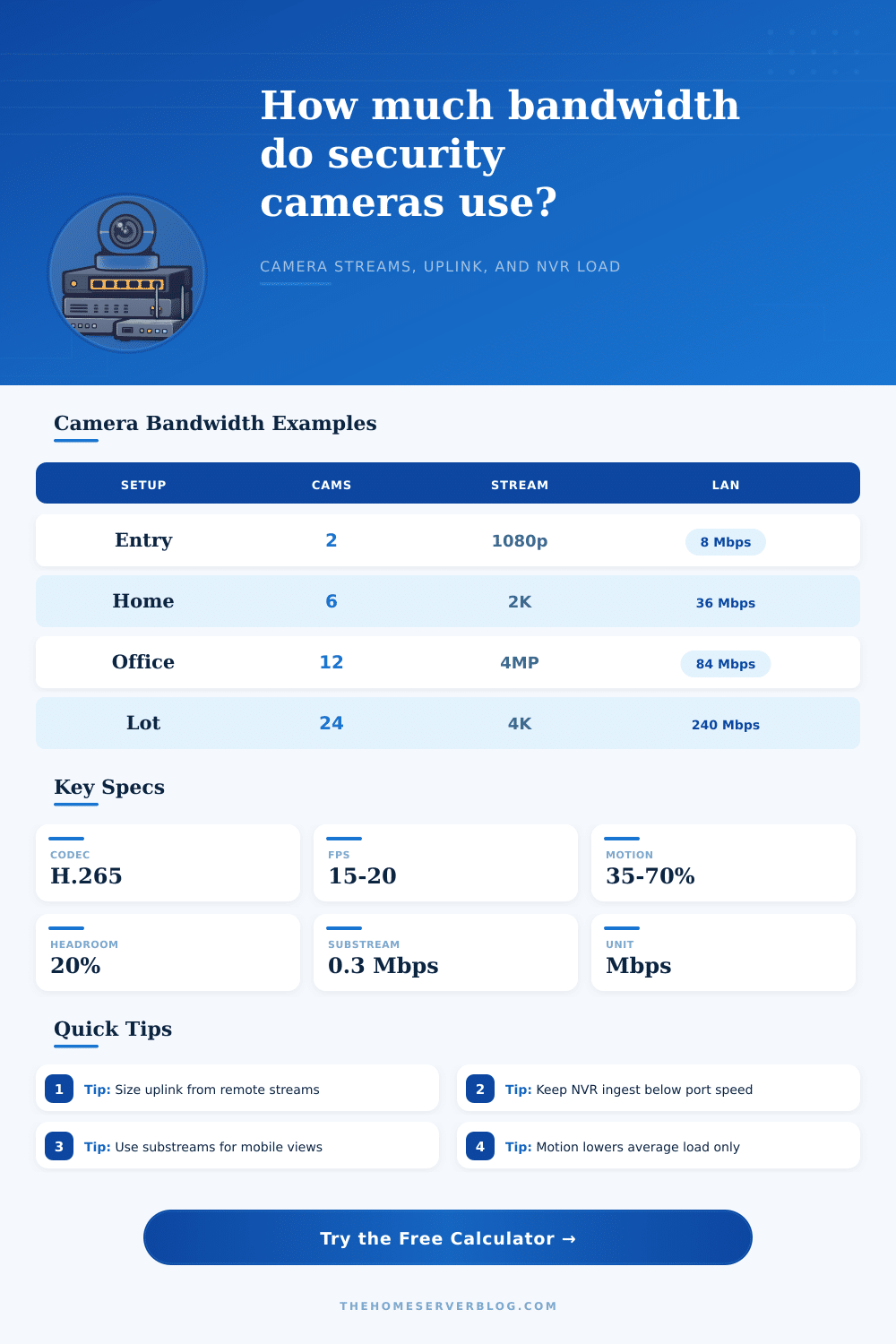
| Entry apartment | 2-3 | 4-12 Mbps | Remote upload fit |
| Single-family home | 6-10 | 30-80 Mbps | PoE switch uplink |
| Small office | 10-16 | 60-140 Mbps | NVR ingest rate |
| Warehouse | 20-40 | 140-400 Mbps | Aggregation capacity |
| Multi-site cabinet | 32+ | 200+ Mbps | Fiber or 2.5 GbE uplink |
💡Bandwidth Tips
Bandwidth planning for a security camera system require an understanding of how data move through a network. A security camera system can fail if the bandwidth isnt sufficient for the number of camera in the system. Additionally, a security camera system can fail if the internet connection to the security cameras