HomeServerBlog object storage planner
Object Storage Shard Calculator
Estimate bucket shards, placement-group fanout, erasure-code footprint, metadata memory, rebuild pressure, and per-node object spread for MinIO, Ceph RGW, garage clusters, NAS-backed S3, and home lab object stores.
1Object storage presets
2Shard sizing inputs
Full shard breakdown
Cluster fit check
3Live equipment/spec comparison
Current logical object count from capacity and average object size.
Average after the recommended shard count and safety buffer.
Ceph-style guidance from OSD count and target replicas.
Raw data likely moving when one node is rebuilt or replaced.
4Object storage equipment grid
MinIO 4-node Set
Distributed erasure coding, simple admin surface, best when drives and nodes are symmetrical.
4-16 drivesEC 4+2 common
Ceph RGW Lab
Strong placement controls, bucket-index shards, multisite options, and heavier metadata needs.
12+ OSDsPG planning
NAS S3 Gateway
Useful for light apps and backups, but shard count cannot rescue a slow single backing pool.
1 poollow ops
Cold Archive Vault
Large objects, wide erasure coding, fewer shards, and higher rebuild windows on dense disks.
8+ nodesEC 8+3
5Reference tables
Shard target by workload
| Workload | Object size | Shard target | Planning note |
|---|---|---|---|
| Telemetry and logs | 4 KiB to 256 KiB | 25k to 75k objects | Use smaller buckets or shard more aggressively because index operations dominate. |
| Photos and documents | 1 MiB to 20 MiB | 50k to 150k objects | Balance metadata growth with enough shards for parallel listing and writes. |
| Backups and chunks | 512 KiB to 8 MiB | 75k to 200k objects | Chunk stores often create many similarly sized objects with bursty writes. |
| Media archive | 100 MiB plus | 150k to 500k objects | Object count is lower; capacity and rebuild time usually dominate. |
Protection and raw footprint
| Scheme | Raw multiplier | Failure tolerance | Best fit |
|---|---|---|---|
| 2 replicas | 2.00x | 1 copy lost | Small clusters, hot metadata, fast restore from simple copies. |
| 3 replicas | 3.00x | 2 copies lost | Ceph labs needing simple placement and low read amplification. |
| EC 4+2 | 1.50x | 2 fragments lost | Four to six node home labs with balanced capacity and resilience. |
| EC 8+3 | 1.38x | 3 fragments lost | Larger cold pools where rebuild planning matters more than write latency. |
Common object project sizes
| Project | Logical data | Average object | Typical shards |
|---|---|---|---|
| Family photo S3 | 8 TB | 6 MiB | 12 to 24 shards |
| Proxmox backup chunks | 20 TB | 2 MiB | 80 to 160 shards |
| Home telemetry lake | 2 TB | 64 KiB | 250 to 500 shards |
| Cold media vault | 120 TB | 512 MiB | 8 to 32 shards |
Metadata and placement rules
| Signal | Formula | Watch point | Practical limit |
|---|---|---|---|
| Total objects | TB to bytes / object bytes | Tiny-object explosion | Millions need indexes |
| Bucket shards | objects / target | Hot write bucket | Keep shard load even |
| Metadata RAM | objects x bytes | Versioning doubles keys | Leave OS cache room |
| Ceph PG guide | OSDs x 100 / replicas | Power-of-two rounding | Avoid PG churn |
6Shard planning tips
This planner estimates shard count and capacity pressure for home lab design. For production data, confirm with your object-store documentation, observed object distributions, and a restore or rebuild test.
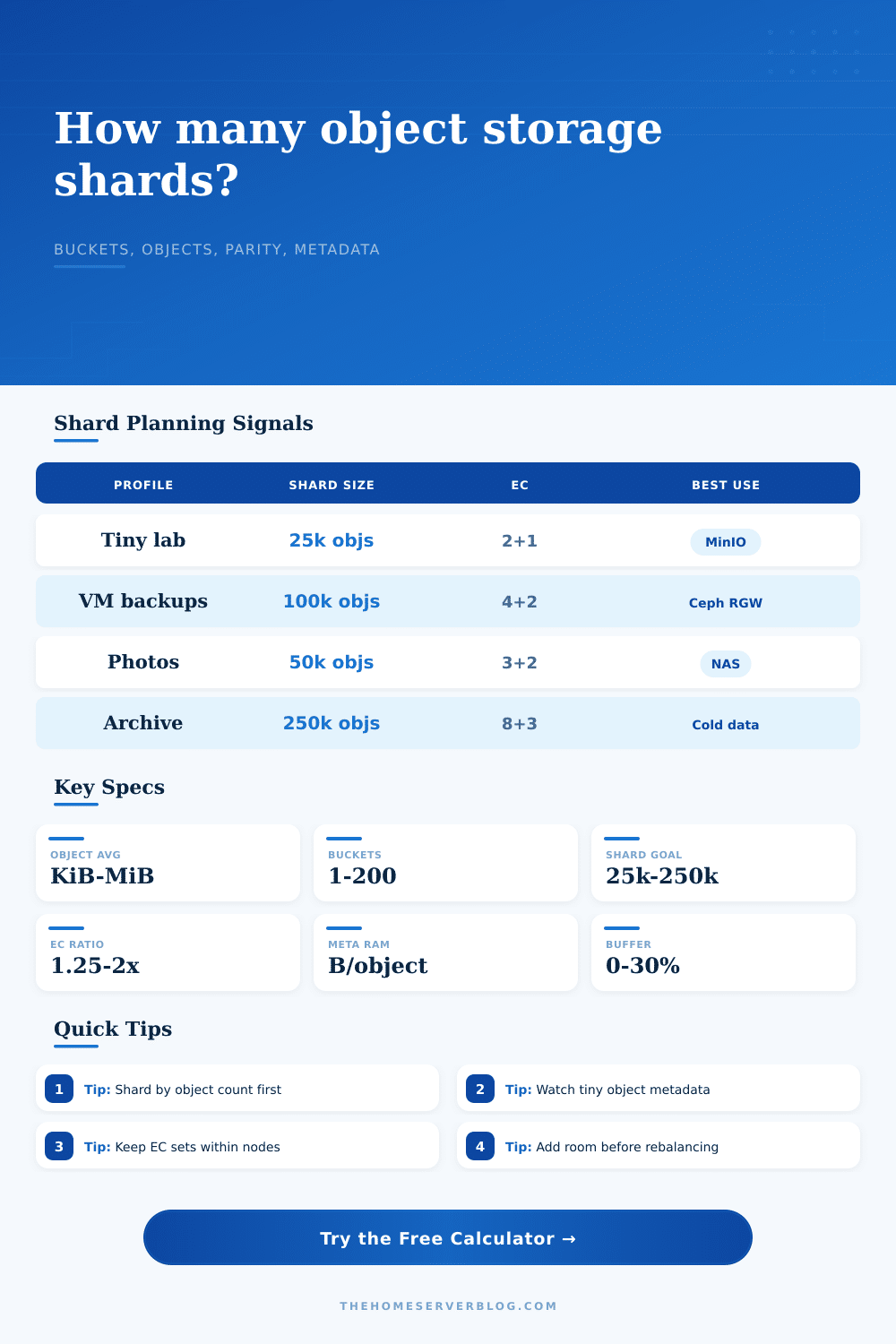
When most folks think of building an object storage cluster they focus on amount of disk space available. Buy four servers, slap 16 drives into each one, hit your terabyte goal and call it a day. On paper this looks great, but when put under load the cluster is likely to fail as metadata layer buckles long before disks are full. The beauty of object storage is that it’s less concerned with raw capacity then it is with how you slice up the namespace.
Enter shard planning. After plugging in your protection scheme and workload profile, the calculator do the math for you. It turns abstract concepts (such as erasure coding overhead and bucket indexing) into real numbers, and spares you the guesswork involved in converting units and fiddling with coefficients. Most importantly, it takes into account how many objects there is (not just how much data).
How to Plan Your Object Storage Cluster
A single-node system can handle a two-terabyte archive of large video files without breaking a sweat, but what about a two-terabyte telemetry bucket of kilobyte-sized JSON files? Not so much. Those tiny objects create index keys that consume CPU cycles and memory unrelated to disk space. Without considering the object count, you’ll starve your metadata service.
Then there’s the additional complexity of erasure coding, which a lot of home lab admins gloss over. Keeping a copy (or two, or three) is nice, it’s replication, and replication is simple. Keep two or three copies and move along. It wastes some space, but math is easy. With erasure coding, your data gets sliced up into chunks and spread out across multiple nodes. It saves space and often cuts raw overhead in half. But if one drive go bad, it puts a heavy burden on rebuilds.
That’s made clear in the calculator: you see the footprint, and if you opt for something wide such as eight plus three parity, then you’re saving quite a bit of disk capacity. The price you pay for that savings? Rebuild time, wide erasure coding takes quite a while to rebuild a node, because it has to read from lots of other nodes simultaneously. If your network isn’t fast, that rebuild window can be a dangerous time, leaving the cluster exposed to another failure.
The big danger is metadata memory. For every object there’s an entry in index which contains its placement info, tags, version markers and key. So as your objects gets smaller, your metadata footprint gets bigger compared to your data. That’s why the tool will estimate how much RAM it requires and help you properly size your servers. It’s all too easy to grab plenty of disk but not realize that the server hosting the bucket index also has to have sufficient RAM to hold those keys in memory. When it starts spilling over into disk, things start getting slower and it will take a while to list a bucket containing millions of objects.
To see this play out for different workloads check out the reference table on the page. You’ll notice that for equal amounts of total data, telemetry logs requires many more shards than media archives.
Another trap is bucket concentration. That means if you have one app writing 90 percent of your objects, then that one bucket is now a hotspot. Everything else looks like it is running at a good level in terms of average cluster loads, but that index shard are still overheating. Your sharding plan needs to address the peak write rate, not simply the average. A safety buffer will help here as well; it provides breathing room for the system when things aren’t perfectly distributed. Production workloads rarely grows or spike linearly.
The other side of the equation is planning for growth. Fifty percent growth is fine; maybe that’s how much data you’ll have tomorrow or this month. But what about next year? How many more objects will you have then? That should of been reflected in how many shards you’ve planned for. Can you rebalance shards on a running cluster? Yes, but it’s hard. It takes time (slowing down I/O) and it sends data across the wire. Better to err a little toward having too many shards initially rather than having to add some later on. The calculator takes into account your anticipated annual growth rate: you get to view the current situation, plus the prediction.
There’s nothing like object storage. There’s no free lunch. You trade raw capacity for resilience. You pay for metadata overhead by trading away performance. You pay for rebuild speed by trading away disk savings. Balance is the name of the game. Your cluster should be able to handle your worst case scenario without wasting money on idle hardware.
Think about what you want to store first: object count. Respect the metadata layer. Plan for the rebuild. If your cluster lasts, it won’t be because of how much you stored; it’ll be how gracefully you were able to handle data loss without losing the cluster itself.