PoE Class Power Budget Calculator
Model a PoE switch power budget from IEEE class allocation, PD class mix, cable loss, reserved capacity, simultaneous draw, redundancy derating, port count, and installed PSU capacity.
PoE class power budget result
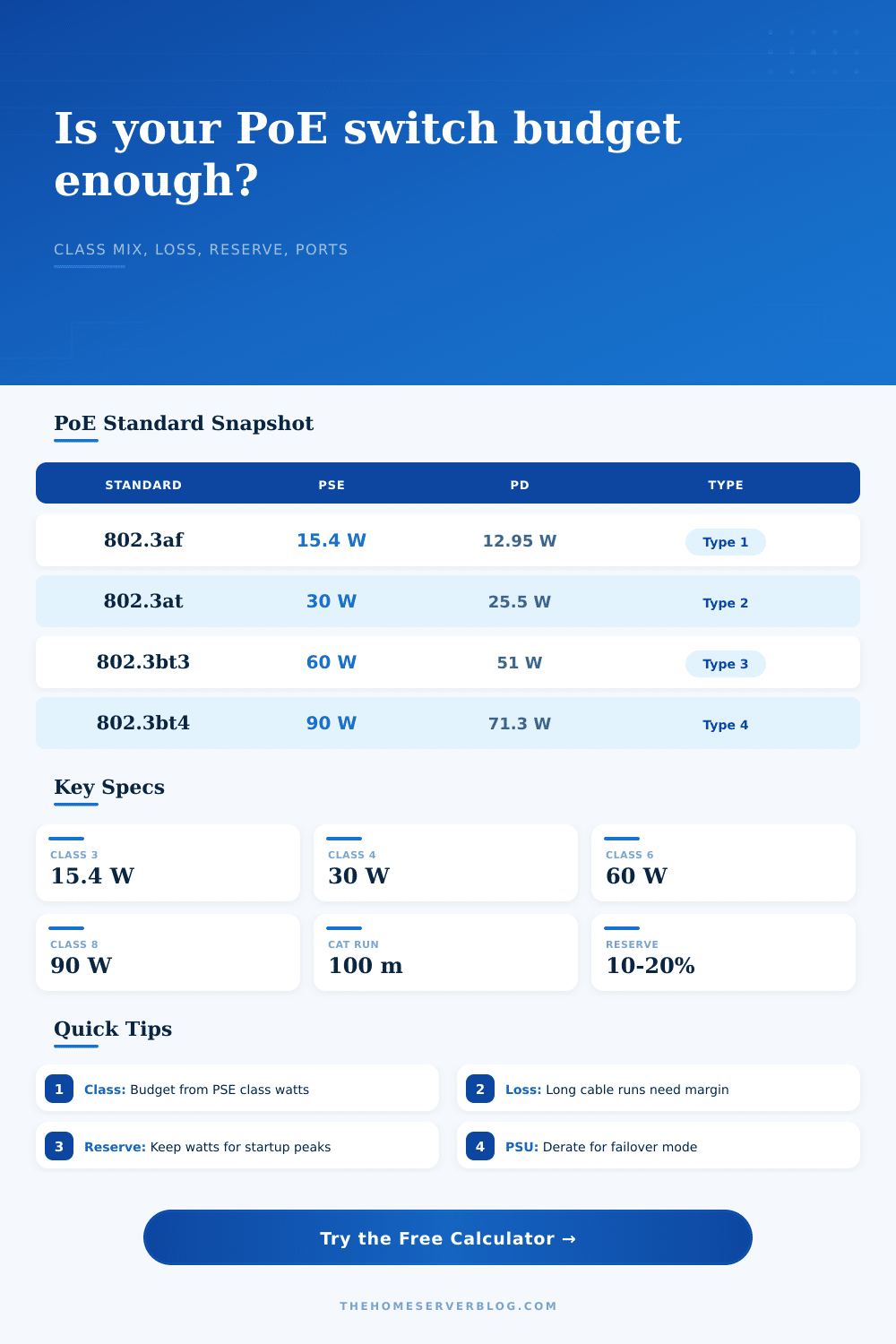
| IEEE standard | PoE name | Type | Max PSE power | Max PD power | Supported classes |
|---|---|---|---|---|---|
| 802.3af | PoE | Type 1 | 15.4 W | 12.95 W | 0 to 3 |
| 802.3at | PoE plus | Type 2 | 30 W | 25.5 W | 0 to 4 |
| 802.3bt Type 3 | PoE plus plus | Type 3 | 60 W | 51 W | 0 to 6 |
| 802.3bt Type 4 | High-power PoE | Type 4 | 90 W | 71.3 W | 0 to 8 |
| Class | PSE allocation | Power at PD | Minimum type | Typical home lab device |
|---|---|---|---|---|
| 0 | 15.4 W | 0.44 to 12.95 W | Type 1 | Legacy or unclassified endpoint |
| 1 | 4 W | 0.44 to 3.84 W | Type 1 | Sensor, small phone, relay |
| 2 | 7 W | 3.84 to 6.49 W | Type 1 | Small camera, intercom |
| 3 | 15.4 W | 6.49 to 12.95 W | Type 1 | Fixed camera or Wi-Fi AP |
| 4 | 30 W | 12.95 to 25.5 W | Type 2 | PoE plus AP, video phone |
| 5 | 45 W | 25.5 to 40 W | Type 3 | Four-pair AP or terminal |
| 6 | 60 W | 40 to 51 W | Type 3 | 802.3bt AP or appliance |
| 7 | 75 W | 51 to 62 W | Type 4 | PTZ camera with heater |
| 8 | 90 W | 62 to 71.3 W | Type 4 | High-power display or bridge |
| Type | Pairs used | Nominal cable limit | Planning note | Budget behavior |
|---|---|---|---|---|
| Type 1 | 2 pairs | 100 m | Works with standard structured cabling. | Budget usually reserves by class. |
| Type 2 | 2 pairs | 100 m | Higher current, more heat than Type 1. | Watch bundles and warm spaces. |
| Type 3 | 4 pairs | 100 m | Shares current across four pairs. | Requires 802.3bt-capable PSE and PD. |
| Type 4 | 4 pairs | 100 m | Highest standard power class. | PSU and thermal reserve matter most. |
| Deployment | Likely class mix | Useful switch type | Watch item | Calculator setting |
|---|---|---|---|---|
| Small home AP and cameras | Class 2 to 4 | 8 to 16 port PoE plus | AP boot spikes | 10 to 15% reserve |
| NVR camera cabinet | Mostly Class 3 | 16 port PoE plus | Night IR draw | 80 to 90% draw |
| Wi-Fi 6 and Wi-Fi 7 edge | Class 4 to 6 | 802.3at or 802.3bt | Radio power changes | Class 4 or 6 ports |
| Outdoor PTZ and bridge links | Class 6 to 8 | 802.3bt Type 4 | Heaters and long runs | Higher cable loss |
| Dual PSU core switch | Mixed classes | Redundant chassis | Failover capacity | Dual PSU derate |
This is where you likely began: with a nice-looking switch, boasting sixteen ports, gigabit speed, and an ample-enough power budget to handle your small studio or home office. You hooked up the access points and cameras, ran some firmware updates… and now one of the devices has gone dark.
What’s the issue? Not the hardware. Math. Because power over ethernet is deceiving. It stay hidden until it reveals itself through browned-out devices.
Why You Need a Power Plan
In practice, defining your cable runs and device mix is all the heavy lifting the calculator above do for you, no more guesswork as to which IEEE class will apply to your particular setup.
And again: the problem is that switches reserve power according to what devices claim they might use versus what they’re using at any given second. A typical Wi-Fi access point may negotiate for up to thirty watts of PoE plus capacity to accommodate maximum radio transmission, though in reality it’s sipping only twelve watts most of the day. Those thirty watts are set aside by the switch out of the total pool, and never returned when the radio is powered down. This is where folks go wrong; they assume that power is dynamic when it’s reserved.
Now back to modeling a deployment: you’ll see from the IEEE tables that if you’re running cables around or near the hundred-meter mark, there’s significant voltage drop. This happens when you consider the difference between what the Powered Device gets and what the Power Sourcing Equipment need to send out, accounting for heat lost in the copper. For long runs, seven percent is a fair guess; it eats up some of your capacity even before power reaches the device. You aren’t just powering the signal at the end point; you are also paying for the watts that turn into heat in the walls.
Then there is the reserve margin. Fifteen percent of your budget seem like overkill; where do you go waste that? But startups surge. Multiple access points all reboot at once after a power glitch. Cameras turn on their infrared lights at dusk. The demand spikes and if your budget’s full, the switch shut down the lowest priority port to save itself. Small thing, sure, but when your security feed goes black, it matters.
There’s also the matter of redundancy. When you put in redundant power supplies to ensure failover, don’t consider them additive capacity. They still represent only one unit which is carrying the load, so you need to derate the total amount of available power by 50%. This is how the calculator works automaticly: showing you the actual usable headroom instead of the potential maximum. It removes all the marketing specs from the equation and presents you with the engineering reality.
Most of us treat PoE like a socket in a wall, but it is not. It’s a limited resource that needs coordination between peers. You can’t simply plug something into PoE and be done with it.
The presets in the tool are there because they’re common failure points. You can use a couple of Class 3 devices at home. It is a piece of cake. You might have a bunch of PTZ cameras with heaters and Wi-Fi 6 access points in a rack. That’s a whole other animal. Those higher-powered devices will pull too much power for your typical switch unless you assigns the right class to match.
Before even looking through the switch’s specs, there’s also reference table on the page which breaks down the classes and their respective power limits. If you know a particular device is a Class 8 device, drawing as much as ninety watts… That’s going to alter your rack planning. That could mean not forcing it into a general purpose switch, but rather using a dedicated high-power switch.
You don’t try and max it out. You build a system where nothing gets dropped in the worst case scenario. You want some reserve for when a bunch of devices all decide to reboot at once. You want a bit more so that next year adding another device isn’t a matter of replacing the entire chassis. Power planning is really about managing risk. You’re buying insurance against brown outs.
Write down your devices. Classify them. Plug ’em up. Do the math. Is the number tight? Downgrade your switch, or trim that reserve down. Dropping a camera at 3 AM sucks and upgrading a switch costs less than troubleshooting. You might ignore it, but the consequences isn’t. Those few extra watts can mean a stable network. You left ’em, so you own ’em.