QinQ Double Tag Overhead Calculator
Estimate 802.1Q and 802.1ad tag overhead, service MTU, padded Ethernet frame size, and wire-rate load for provider bridging and customer VLAN transport.
Usually 1500 for standard Ethernet or near 9000 for jumbo payload service.
This can match MTU, or use small packets to see padding and rate impact.
Commonly counted from destination MAC through FCS; confirm your vendor definition.
| Encapsulation | Common label | Added bytes | Frame use |
|---|---|---|---|
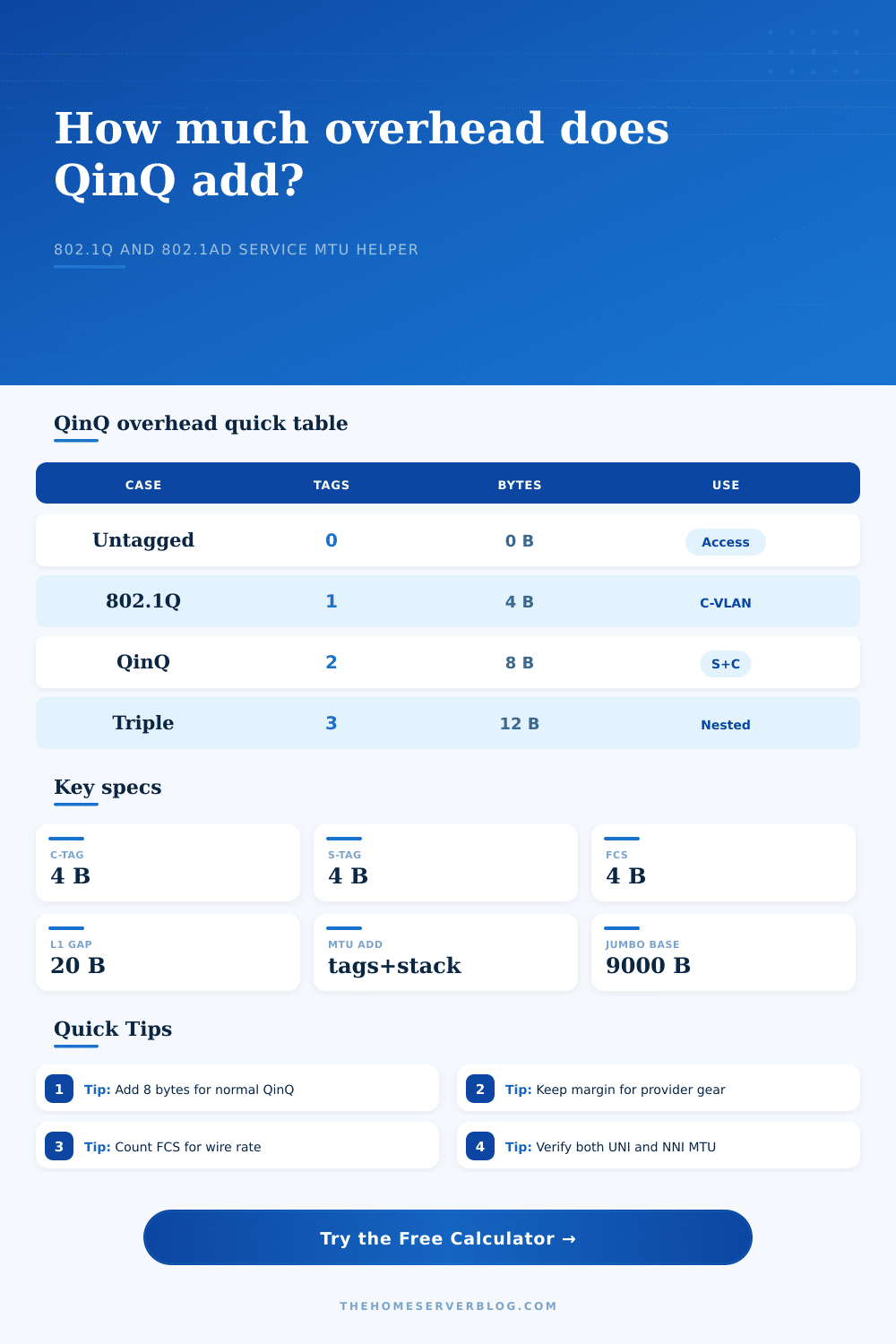
| Untagged Ethernet II | Access frame | 0 bytes | Host traffic with no visible VLAN header. |
| Single 802.1Q tag | C-tag | 4 bytes | Customer VLAN identification and priority code point. |
| QinQ double tag | S-tag plus C-tag | 8 bytes | Provider bridge transports customer VLANs through one service VLAN. |
| Triple-tag or nested service | S-tag plus C-tags | 12 bytes or more | Lab, wholesale, or complex handoff designs that intentionally stack tags. |
| TPID value | Typical role | Byte impact | Planning note |
|---|---|---|---|
| 0x8100 | 802.1Q customer tag | 4 bytes per tag | Most switches treat this as the normal C-VLAN identifier. |
| 0x88A8 | 802.1ad service tag | 4 bytes per tag | Provider bridge S-tag used outside the customer tag. |
| 0x9100 | Legacy provider tag | 4 bytes per tag | Seen on older carrier Ethernet gear; verify parser support. |
| Mixed TPID | S-tag outside C-tag | Same byte count | The TPID changes classification behavior, not tag size. |
| Frame size item | Formula | Standard value | Why it matters |
|---|---|---|---|
| Ethernet header | Destination MAC + source MAC + type | 14 bytes | Present before VLAN and payload bytes are considered. |
| Ethernet FCS | CRC trailer | 4 bytes | Some vendor frame limits include it, while IP MTU never does. |
| Preamble, SFD, IFG | 8 bytes + 12 bytes | 20 bytes | Needed when checking line-rate packets per second. |
| Service MTU add | Customer MTU + tags + stack + margin | Design-specific | Prevents provider edge ports from fragmenting or dropping frames. |
| Scenario | Tags | Recommended MTU allowance | Common verification |
|---|---|---|---|
| Standard VLAN handoff | One C-tag | Customer MTU + 4 bytes | Tagged frame passes at access and trunk ports. |
| Basic QinQ E-Line | One S-tag, one C-tag | Customer MTU + 8 bytes | Provider NNI accepts 1526-byte customer frames with FCS counted. |
| QinQ with PPPoE | Two tags plus PPPoE | Customer MTU + 16 bytes | Access concentrator and UNI preserve requested payload size. |
| Jumbo QinQ transport | Two tags, jumbo payload | 9000 bytes + overhead + margin | All switches in the path share a large enough L2 MTU. |
802.1Q VLAN
Adds one 4-byte tag for local VLAN separation. It is simple, fast, and common on access and trunk links.
802.1ad QinQ
Adds an outer service tag so a provider can carry a customer's existing VLAN IDs through a bridged service.
MPLS Pseudowire
Usually adds label overhead beyond Ethernet tags and is better suited to carrier backbones with traffic engineering.
VXLAN Overlay
Adds far more bytes than QinQ because Ethernet is wrapped in UDP and IP, but it supports large overlay networks.
In network engineering, packets that drop silently is a cause for quiet panic. It’s never because some bit of critical hardware has failed dramatically. It’s because you have sent a frame with an extra byte over the maximum transmission unit to the egress port.
This is recieved as a seemingly perfectly normal frame. Nothing about the customer payload change. The data itself are exactly the same. The only difference is all the extra bytes added to the top by all the tags.
Why Extra Bytes Cause Problems
QinQ double tagging protect customer VLANs as they move through a provider bridge. It’s elegant, but it comes with a price tag. That price tag is measured in bytes, and those bytes add up far more quickely than most architects anticipate.
Every byte in the frame are valuable. Every time you increase a tag, you use an additional four bytes for each 802.1Q tag. Doubling up on tags mean you’ve added eight bytes of overhead, before even considering any other encapsulations. That sounds like nothing until you remember the original Ethernet header has its own address and type fields. The envelope keeps getting bigger without increasing size of the letter inside.
Once you input the starting MTU value and number of tags, the calculator will do all that math for you. You won’t have to try to recall conversion factors or coefficients anymore.
Now, most engineers are trained to consider a typical 1500-byte MTU. But if you encapsulate that packet with another service tag around it, now you requires a 1508-byte service MTU so no packets gets fragmented. Now add PPPoE for dial-on-demand authentication, and all of the sudden you require 1516 bytes. Add MACsec for encryption, and you’re over 1550 bytes.
So how do you know when to care about this? Because the Ethernet layer views the entire package while the IP layer only views the payload. Your provider edge switch might allow only 1522 byte-frame, meaning your encrypted PPPoE traffic fail on the wire. This is what it looks like in the tool; it breaks out the wire rate impact of this.
It’s especially bad if your packets are small. The overhead of preamble, interframe gap, and frame check sequence doesn’t change when you pad out a 64 byte payload to make the smallest possible ethernet frame. That 1500-byte payload takes up just as much space. As you plug small frame sizes into the calculator, the overhead portion starts dominating the use percentage.
That’s where everyone misses it. They think about how fast their pipe can be, then they forget all the little control plane chatter and keepalive traffic that cuts into their pipe.
The next wrinkle is TPID selection. You can select the default 0x8100 (for customer tags) and 0x88A8 (for service tags). Or you can mix and match. And the number of bytes stay constant. But it changes the parser behavior. Legacy switches don’t always handle non-standard TPIDs well. The table on the page list various tag combos and their impact on frames. It’s about making sure all the switches along the path know what to do with which tag.
This gets even more complicated with jumbo frames. If your payload size is 9000 bytes, you are running them through a QinQ tunnel and carrying them over a network. In this case, your service MTU need to include the encapsulation stack, a safety margin, and tags on each packet. And if you don’t have the safety margin, one oddball header drops you. The calculator lets you enter in a safety margin. This means you should of factor in the unknown. It is a little thing, but it is important.
Accounting is the work of QinQ design. There’s a finite amount of space; each protocol header fight to be included. It isn’t negotiable. The bytes are real, and there is overhead. Know how much each tunnel take. Know how much each tag do. How much do all those layers of security cost?
Stop guessing. Start building. Panic less about silent drops when you see the size of that envelope before sending your letter.