RAID 10 Capacity Calculator
Estimate usable mirrored-stripe storage for a home NAS, VM datastore, media server, or small rack with reserves, hot spares, growth, and rebuild timing included.
Capacity Breakdown
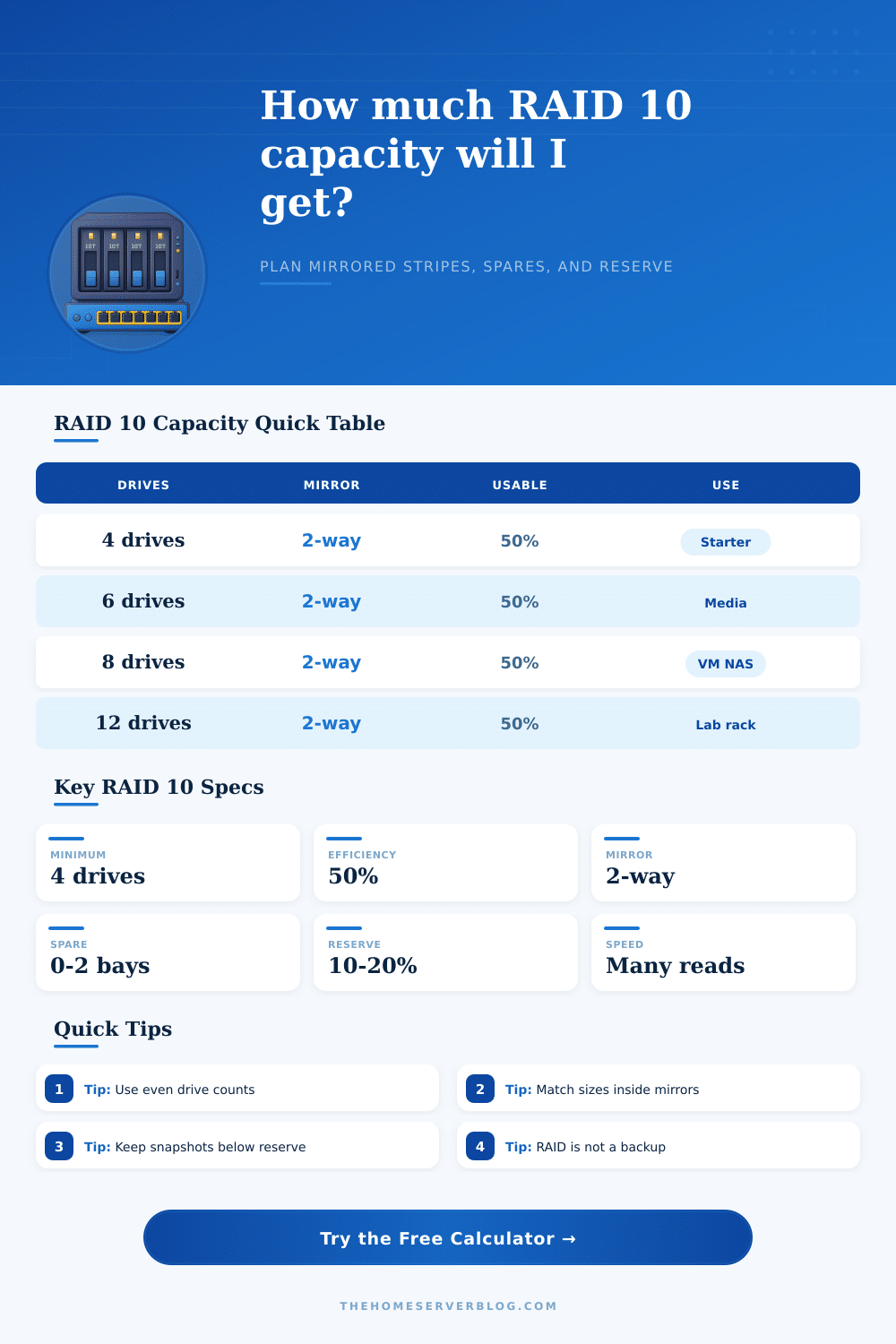
| Layout | Minimum drives | Usable formula | Fault tolerance |
|---|---|---|---|
| 2-way RAID 10 | 4 | Drives / 2 x size | One disk per mirror pair |
| 3-way mirrored stripe | 6 | Drives / 3 x size | Two disks per mirror set |
| Hot spare added | 5 or more | Spare removed first | Faster automatic replacement |
| Odd drive count | Not ideal | Extra drive unused or spare | Use even counts for classic RAID 10 |
| Drive set | Raw label capacity | 2-way RAID 10 | After 10% reserve |
|---|---|---|---|
| 4 x 8 TB | 32 TB | 16 TB | 14.4 TB |
| 6 x 12 TB | 72 TB | 36 TB | 32.4 TB |
| 8 x 18 TB | 144 TB | 72 TB | 64.8 TB |
| 12 x 22 TB | 264 TB | 132 TB | 118.8 TB |
| Workload | Why RAID 10 fits | Reserve target | Extra note |
|---|---|---|---|
| VM datastore | Random I/O and fast rebuilds | 15% to 25% | Prefer SSDs for latency |
| Media library | Simple reads and quick recovery | 10% to 15% | RAID 6 may store more |
| Backup target | Easy mirror replacements | 10% to 20% | Separate offline copy still needed |
| Camera NVR | Steady writes across mirrors | 15% to 20% | Check retention before sizing |
| Build | Drives | Practical capacity | Best fit |
|---|---|---|---|
| Mini NAS | 4 x 6 TB | About 10.8 TB with reserve | Documents, photos, light apps |
| Plex box | 6 x 12 TB | About 32.4 TB with reserve | Media and family backups |
| VM lab | 8 x 4 TB SSD | About 14.4 TB with reserve | Proxmox or Hyper-V storage |
| Rack NAS | 12 x 18 TB | About 97.2 TB with reserve | Large lab and archive tier |
RAID 10 provide fast read speed and an easy recovery process if one of the disks within the array fail. A person can lose more than one disk to RAID 10 without the RAID array failing, but the failed drive have to be within a different mirrored pair. Due to the use of mirroring within RAID 10, RAID 10 demand a significant amount of raw storage capacity from the user.
A RAID 10 calculator can help a person to plan around these considerations. The first decision a person have to make with a RAID 10 calculator is the width of the mirror. The common choice for RAID 10 is a two-way mirror, but a three-way mirror choice provide more safety in the event of disk failure.
How to Use a RAID 10 Calculator
However, the downside of choosing a three-way mirror is that usable RAID 10 storage capacity will be reduced. The second choice is to use a two-way mirror, as this will allow more drives to be utilized for storage rather than mirroring. When a person make a change to the number of ways to mirror the drives, the RAID 10 calculator will automatically adjust the number of mirror group that will be created with that RAID 10 array.
A person also has to decide the number of drive and the size of the drives within a RAID 10 array. Adding an odd number of drives to a RAID 10 array will not provide additional benefit to the RAID 10 array, as an odd number of drives cannot create mirrors for all of the drive in the RAID array. This leaves the drives within the RAID 10 array unused.
Additionally, a person can also add hot spare drive to a RAID 10 array. Hot spare drive dont contribute to the usable storage capacity of a RAID 10 array. However, adding hot spare drives will contribute to the reduction of the time it takes to rebuild the RAID 10 array in the event of a drive failure.
A RAID 10 array allow a person to adjust how many hot spare drive are used in their RAID 10 array. Due to RAID 10’s relationship with the filesystem, a filesystem reserve and metadata will contribute to the usable storage capacity of a RAID 10 array. A common percentage reserved for a filesystem is 10 percent.
This space is used for creating snapshots of RAID 10 array drive, temporary file, and log file generated by the RAID 10 array. Additionally, the metadata for a RAID 10 array may also reduce the usable storage capacity of that RAID 10 array. The amount of metadata grow if many small file are stored in a RAID 10 array or if the RAID 10 array uses heavy checksum.
However, using data compression for a RAID 10 array will increase its usable storage capacity. RAID 10 array calculator allow a person to adjust the percentage of the filesystem that is reserved for the RAID 10 array, the amount of metadata used by the RAID 10 array, and the data compression setting for the RAID 10 array. Rebuild time for the RAID 10 array may be a factor that a person does not consider when building their RAID 10 array.
If a person add a drive to a RAID 10 array, it will take days for the RAID 10 array to rebuild the data on that drive. Additionally, RAID 10 will be in a degraded state throughout the rebuilding of that drive. The rebuild speed of a RAID 10 array can be adjusted in the RAID 10 calculator.
Another benefit of using a RAID 10 calculator is that it will provide an output that display the growth head room for the RAID 10 array. This output will tell a person how many month of storage space will be left in the RAID 10 array before the usable storage capacity is entirely used up for the year according to the growth rate for the data that is store in the RAID 10 array. The workload that will utilize the RAID 10 array will impact the setting of the RAID 10 array calculations.
For instance, if a person use a RAID 10 array to store virtual machine, the filesystem reserve will have to be higher, and the rebuild speed will have to be faster. This is because virtual machine will use many snapshot, data redundancy, and random input/output operation. For libraries that store media file, the filesystem reserve will be lower.
This is because media file use mainly sequential input/output operation and are easily replaceable when stored on a RAID 10 array. Workloads in the middle of these two extremes are surveillance camera RAID 10 array. These RAID 10 array have steady write operation and do not have the same random operation as virtual machine.
At the top of the RAID 10 array calculator is a drop-down menu for the workload type with these setting as the options. Another consideration for RAID 10 is the size of the drive. All the drives within the RAID 10 array have to use the same size drive.
If a person replace a drive within a RAID 10 array, the new drive must be the same size or larger in size than the old drive. Otherwise, the mirrored drive will be limited by the size of the new drive. Additionally, all drive have to be added in matched pair.
This applies to both the initial setup of RAID 10 and when adding additional drive to an existing RAID 10 array. These reference table on the RAID 10 array calculator allow a person to quickly determine how many drive are required for a specific amount of usable storage. The table also show the minimum number of drive required for each mirror width.
These reference table are an additional tool to the RAID 10 calculator. RAID 10 is not a backup solution for the data stored within a RAID 10 array. RAID 10 will protect a person’s data in the event of drive failure.
However, it will not protect against the accidental deletion of data or ransomware that threaten that data. In the event of accidental data deletion, a person will have to create an image of that data to restore it. Additionally, a RAID 10 array calculator is a planning tool.
It will allow a person to see the impact that changing one variable to another has on the calculation of the RAID 10 array. For instance, if a person increase the percentage of the filesystem that is reserved for the RAID 10 array, the usable storage capacity will drop. Additionally, if a person choose to add a hot spare drive to a RAID 10 array, the time it takes to rebuild that RAID 10 array will shrink, and the raw efficiency of the RAID 10 array will drop.
Finally, if a person choose to change hard disk drive to solid state drive in their RAID 10 array, the rebuild speed will increase.