Redis Memory Usage Calculator
Estimate Redis dataset memory from key count, key bytes, value bytes, structure type, object overhead, expiry metadata, allocator fragmentation, buffers, maxmemory reserve, and cluster replicas.
Redis Memory Breakdown
| Structure | Typical Memory Shape | Overhead Driver | Good Use Case | Watch Out For |
|---|---|---|---|---|
| String | One key points to one SDS value | Key object, value object, allocator bins | Sessions, tokens, counters, serialized blobs | Many tiny keys can spend more RAM on overhead than data |
| Hash | One key contains many field-value pairs | Field metadata, encoding threshold, payload size | Object caches, user profiles, product attributes | Large hashes may switch encoding and grow overhead |
| List | Quicklist nodes store ordered elements | Node headers and listpack packing | Queues, recent event buffers, task pipelines | Long blocking queues need buffer and persistence headroom |
| Set | Unique members in hash table or integer set | Member bytes plus hash table expansion | Dedupe keys, tags, membership checks | Random large string members fragment memory under churn |
| Sorted set | Member plus score index | Skiplist or listpack, member copy, score metadata | Leaderboards, rank windows, delayed jobs | Zsets usually need more overhead than plain sets |
| Stream | Radix tree of listpack entries | Entry IDs, consumer groups, pending entries | Telemetry, event logs, work fanout | Consumer group state and pending lists add memory |
| Formula Part | Calculator Formula | Input To Measure | Practical Note |
|---|---|---|---|
| Key bytes | key count x average key bytes | Sample key names by prefix | Long namespaces are useful but not free at scale |
| Value bytes | keys x elements x value bytes x multiplier | Serialized payload or field size | Compression helps payloads but not dictionary overhead |
| Object overhead | keys x object overhead | MEMORY USAGE sampled across keys | Small values are dominated by metadata and allocator bins |
| Expiry metadata | expiring keys x expiry bytes | TTL coverage by key family | Volatile caches pay for the expiry dictionary |
| Fragmentation | used memory x fragmentation ratio | INFO memory ratio after warmup | Churn, deletes, and mixed sizes can raise the ratio |
| Safe maxmemory | host RAM x (1 - reserve percent) - buffers | Fork, AOF, replica, client buffer needs | Set maxmemory below RAM so Redis has breathing room |
| Redis Scenario | Typical Structure | Typical TTL | Common Reserve | Memory Planning Note |
|---|---|---|---|---|
| WordPress object cache | Strings or hashes | Minutes to hours | 15% to 25% | Many tiny keys make key overhead and expiry metadata visible |
| Session store | Strings | Hours to days | 15% to 20% | Eviction policy must match login durability expectations |
| Rate limiter | Strings or sorted sets | Seconds to minutes | 20% to 30% | High churn can raise fragmentation and active expiry work |
| Task queue | Lists or streams | Short lived | 20% to 30% | Backlogs can grow quickly when workers stall |
| Leaderboard | Sorted sets | Persistent | 10% to 20% | Scores and rank indexes add overhead beyond member bytes |
| Overhead Input | Low Estimate | Normal Estimate | High Churn Estimate | When To Change It |
|---|---|---|---|---|
| Object overhead per key | 32 bytes | 56 bytes | 96 bytes | Raise it for tiny strings, modules, or extra metadata |
| Expiry metadata | 16 bytes | 24 bytes | 40 bytes | Raise it when most keys are volatile and short lived |
| Allocator fragmentation | 1.05x | 1.18x | 1.45x | Measure after deletes, churn, and background rewrites |
| Replication and AOF buffer | 32 MB | 256 MB | 1024 MB | Raise it for slow replicas, AOF rewrite, and bursty writes |
| Policy reserve | 5% | 15% | 30% | Raise it for write-heavy caches and fork-heavy persistence |
| Maxmemory Policy | Memory Behavior | Best Fit | Reserve Guidance | Operational Risk |
|---|---|---|---|---|
| noeviction | Writes fail when maxmemory is reached | Durable-ish queues, locks, critical sessions | Keep a large buffer and alert early | Applications must handle write errors cleanly |
| allkeys-lru | Evicts least recently used keys from all keys | General cache workloads | 10% to 20% usually works well | Hot keys survive only if access pattern is stable |
| allkeys-lfu | Evicts low-frequency keys from all keys | Skewed object caches and APIs | 10% to 20% after warmup | Needs time to learn frequency under changing traffic |
| volatile-ttl | Evicts expiring keys based on nearest TTL | TTL caches with known freshness windows | 15% to 25% because expiry metadata is common | Non-expiring keys can crowd out volatile keys |
| volatile-lru | Evicts only keys that have TTL | Mixed persistent and cache keys | 15% to 30% for volatile-heavy instances | Persistent keys can leave too little eviction room |
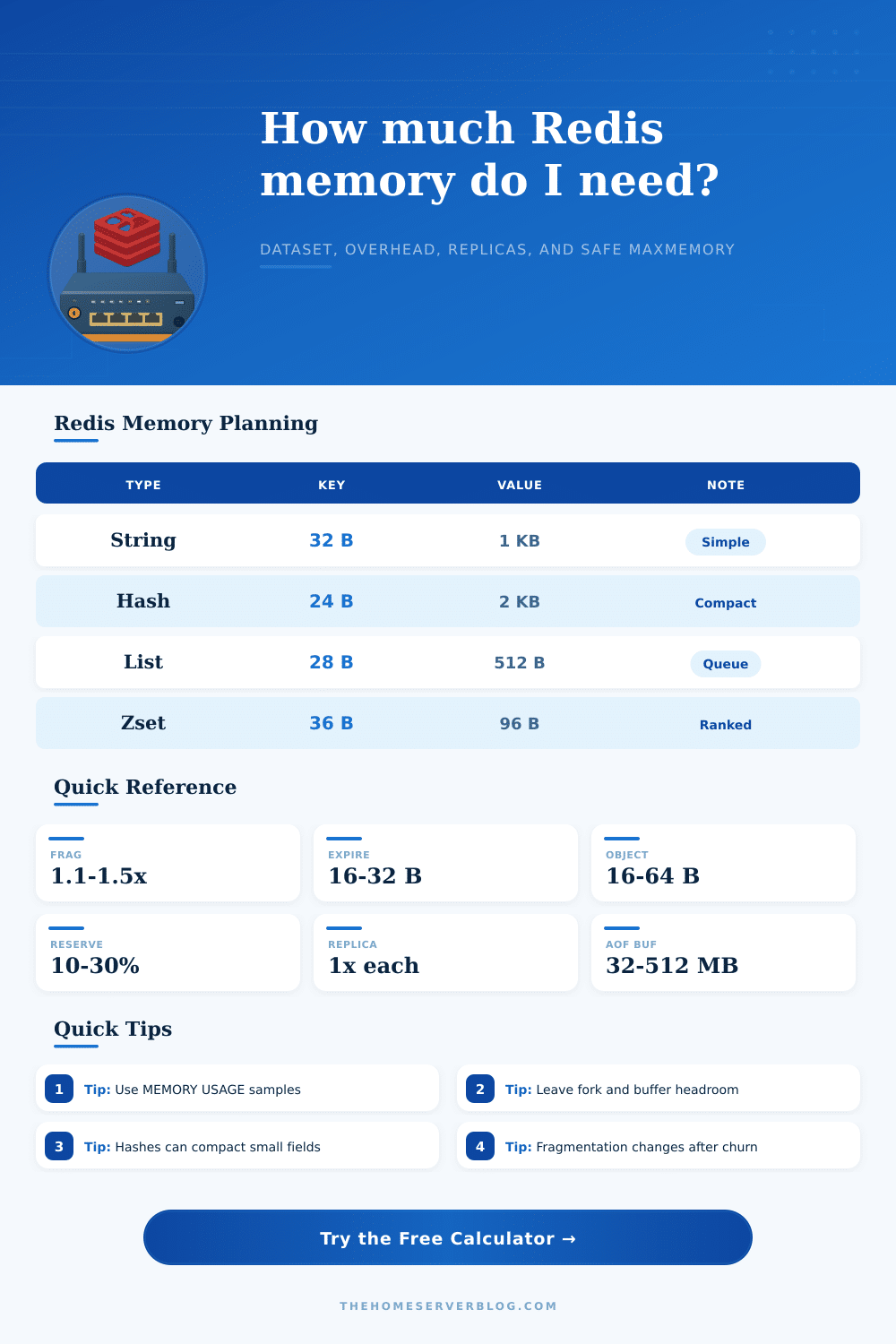
MEMORY USAGE on representative key families and compare the result with this model. Redis encodings, member counts, and allocator bins make tiny keys especially sensitive to real-world sampling.Sure, you might set up a Redis instance with what seems like ample RAM, but by noon on a Tuesday, it’s out of memory. Why? This is because when you think about storage, you think in terms of raw data weight: “My objects is X bytes each. I have Y objects.” Maybe you pad that for safety. Done! But there’s a difference between storing a blob in a file and having that blob as a live data structure in RAM. The problem is all of that invisible weight is where the real cost lives in terms of memory usage.
Each key need an object header, a dictionary to lookup, and possibly some other structure to track expiration (if you set a TTL). Once you describe how your data look, the calculator above will crunch the numbers for you; but knowing why those values matter means you can catch mistakes before they go live in prod.
How to Calculate Redis Memory Size
When dealing with millions of tiny keys (like session tokens), the overhead on each key swamp the size of the actual payload. That’s why so many architects miss it when scaling out high-churn workloads: you’re paying much more for the container than what’s inside.
That’s not all, static formulas don’t account for another source of complexity: fragmentation. Because Redis allocates memory in blocks given out by an allocator, when keys are overwritten or expire, there will be gaps between allocated blocks. This is measured by fragmentation ratio which represents how much physical memory Redis has consumed versus how much it is actualy using for your data.
A fragmentation ratio greater than one indicate some amount of waste and it varies depending on traffic pattern. For example, if your application deletes many keys at once, the allocator cannot always free up that space instantly. This results in spikes in used memory even though your logical dataset has shrunk. To accommodate these spikes without reaching write errors or eviction, it’s necessary to include breathing room in your maxmemory config.
Memory footprint is very dependent on the data structure. Each structure involve a tradeoff between query speed and memory density. For example, strings are lightweight. However, if you have millions of strings they performs poorly because overhead increases in a straight line with each key. Hashes is more efficient as long as you have many keys with small values. In this case, the value gets compressed into a smaller representation.
At some point, it switches to a bigger representation, which increase memory consumption again. And sorted sets take up even more since they need to maintain a skiplist for sorting as well as a hash table for lookup. Every one of these structures sacrifice memory density for performance, so it’s up to you to determine what works best for your app vs what fits in your wallet.
Everything you planned multiplies by replication. So if you plan to run a cluster with one replica of every primary, then you’re effectively double the amount of memory on each node. Then throw RDB forks or AOF rewriting in the mix: those are copy-on-write processes that temporarily duplicate the memory footprint while persisting data. That means you need even more headroom for them.
Don’t set maxmemory equal to your host RAM: you will crash. Leave some room for replicas, buffers and fork operations. You should of avoid forcing Redis to ask the operating system to kill your process. Getting your size right is about understanding how things realy work.
Instead of guessing, use memory commands to get some real-world keys from your environment and find out how much they actualy weigh. Then compare that to what you expect based off where you think you’re going to grow. Remember that your estimates will age, patterns evolve, encodings adjust. Don’t just view your memory limits as a place to store data, but also as a safety net for stability.
Think of it as the floor above which nothing goes except when needed and suddenly the arithmetic isn’t guesswork; it’s planning. Respect the space between the bits that matter and the bits that make Redis keep them around. Doing this prevents the panic of an OOM kill.