Mail relay capacity planner
SMTP Throughput Calculator
Estimate the concurrent SMTP sessions, wire bandwidth, queue drain time, and retry backlog needed for alerts, transactional mail, newsletters, ticket mail, relay warmup, and home lab notification bursts.
SMTP throughput breakdown
Good queue controls, strong reuse, practical for alerts, apps, and small batches.
Flexible routing with moderate per-worker throughput and conservative defaults.
Policy-heavy transport; watch connector limits, moderation, and content filtering.
High remote capacity, but provider quotas and domain reputation still matter.
Current capacity snapshot
Planning notes
| Profile | Typical fit | Worker capacity | Session behavior | Practical limit to watch |
|---|---|---|---|---|
| Postfix home relay | Home lab alerts, apps, ticket mail | About 1,200 messages/hour/worker | Good concurrency and destination reuse | Destination concurrency and queue age |
| Exim VPS relay | Small VPS, cPanel, routed mail | About 850 messages/hour/worker | Solid but often conservative defaults | Remote retry rules and DNS latency |
| Exchange/SMTP gateway | Small business transport and filtering | About 650 messages/hour/worker | Policy checks add command latency | Connector caps, antivirus, moderation |
| Cloud SMTP relay | Transactional relay or newsletter handoff | About 1,800 messages/hour/worker | Fast accepts when quota is available | Hourly quota, reputation, warmup limits |
| Mailcow small server | Self-hosted mailbox and outbound relay | About 900 messages/hour/worker | Good for steady business mail | Rspamd load, disks, remote throttles |
| Haraka edge relay | Fast edge relay and custom filtering | About 2,200 messages/hour/worker | Low command overhead when tuned | Plugin latency and upstream limits |
| Connection reuse | TLS overhead pattern | Best for | Risk | Operator action |
|---|---|---|---|---|
| 1 message/session | Handshake paid every message | Rare alerts or strict isolation | High session churn | Raise reuse unless policy forbids it |
| 5 messages/session | Handshake amortized lightly | Low-volume web apps | Still sensitive to RTT | Use for mixed remote domains |
| 20 messages/session | Balanced overhead and fairness | Transactional mail and ticket systems | Destination caps may bite | Monitor per-domain concurrency |
| 50+ messages/session | Very low TLS cost per message | Newsletter relays and smart hosts | Provider or recipient throttling | Throttle and warm sending domains |
| Remote deferral | What it usually means | Retry backlog effect | Queue risk | Useful metric |
|---|---|---|---|---|
| 0% to 2% | Normal greylisting or brief throttles | Small transient queue | Low | Deferred recipients/hour |
| 3% to 8% | Reputation, remote rate limits, DNS slowness | Retries become visible | Moderate | Oldest queued recipient age |
| 9% to 20% | Domain throttling or warmup too aggressive | Backlog can compound | High | Retry attempts versus accepts |
| Above 20% | Policy block, bad routing, or severe throttling | Retry queue dominates send work | Critical | Deferrals by remote domain |
| Scenario | Typical size | Throughput concern | Healthy queue posture | Useful tuning lever |
|---|---|---|---|---|
| Home Lab Alerts | 50 to 300 messages/hour | Bursts after outages | Drain in under 15 minutes | Queue workers and retry delay |
| WordPress Transactional | 200 to 2,000 messages/hour | TLS overhead and relay quota | Required sessions below configured sessions | Connection reuse and smart host |
| Newsletter Batch | 5,000+ messages/hour | Deferrals and sender reputation | Backlog does not grow each hour | Warmup, throttles, and batching |
| Ticket System Mail | 500 to 4,000 messages/hour | Fanout to watchers and CC lists | Queue age remains predictable | Recipient grouping and workers |
Email looks easy but it’s all math. So maybe you don’t think you’d have to do math? You hit Send, and an email lands. Except when queues becomes black holes and that’s where understanding of retry pressure and session reuse comes in to play: the distance from seamless sending to reputation hell can be as far apart than understanding how many messages your app thinks were sent vs. How many actualy crossed the wire.
This calculator on the page bridges that gap by translating your general goal (a throughput) into something concrete (infrastructure). The inputs, which ask for things such as average size and number of message per hour, are necessary, but the real value is in what the calculator does with them. What’s important is what it do with them.
How Email Calculators Help You Send Better
Namely, it makes you face up to TLS handshakes. Every time your mail server establishes a new connection for each message, its paying a tax in terms of latency that quickly adds up. That handshake include protocol greetings, certificate verification and TCP negotiation. For tiny bursts over high-latency link, that overhead will consume half your available bandwidth and move very little data.
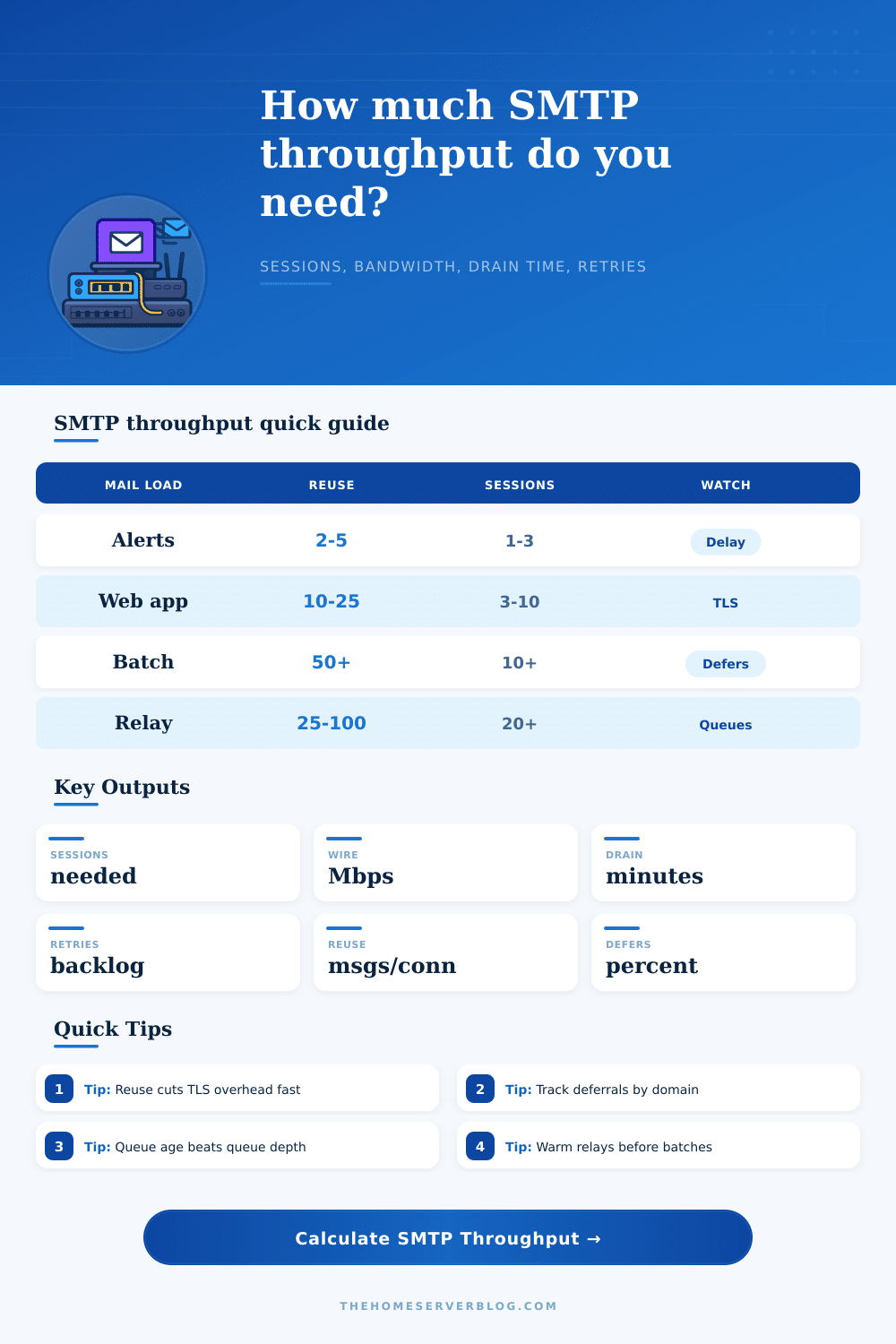
This is why the connection reuse input is important. This corresponds to how many messages are sent before closing the SMTP session to a given remote domain. Bumping this from one to fifty or even twenty doesn’t look like a tweak. It’s a fundamental change in how efficiently the relay work. That’s reflected in the calculator as required bandwidth and sessions both decrease with increasing reuse. Not only do you save yourself from handshakes, your freeing up worker processes to get through more deliveries in the same window.
Unfortunately most admins leave their MTA on conservative defaults, prioritizing safety over throughput. Great if your volume is low, but not so great when traffic spikes.
What’s equally important: it models backlogged deferred messages. Backlogs don’t show up as drops in SMTP land; they’re promises to resend later. But those promises are actualy an additional cost to your sessions because they result in retries which consume session capacity. Your backlog will grow if you hit remote rate limits or get graylisted by some remote domains, but your outbound queue won’t just stall, it will grow too. Depending on your retry delays and defer percentages, the calculator estimate how long it takes for your workers to drain the backlog. It can help you determine if you have enough worker to clear out the backlog before next hour’s worth of mail hits the queue. If your drain time exceeds an hour then you’re in trouble.
This load is distributed among various mail server profiles which behave different. An Exchange gateway behaves differently than a cloud relay. A cloud relay, in turn, has different concurrency limits compared to a home lab running Postfix. Your chosen profile determine the assumptions made for realistic command latency and worker capacity. It does not reflect any preference between any particular software; just the need to set expectations that align with your infrastructure. Tweaking parameters until you’re blue in the face won’t help if your underlying platform choke under high numbers of concurrent connections.
These behaviors are explained in more detail in the reference tables on the page. How do different deferral rates affect queue health? How does connection reuse affects TLS overhead? Deferring by two percent is just noise; deferring by twenty percent is a crisis. From large batch newsletters to home lab alerts, the tables let you benchmark where you stand relative to typical scenarios. They also remind you about warmup. Throttling happens when you send too much traffic too soon to new domains which feeds right back into the retry backlog loop.
SMTP throughput management is about striking a balance between performance and stability. How fast do you want to send? It must be fast enough to get the job done (and not fill your disk with deferred mail) but slow enough to avoid getting blocked. The calculator will give you a look at where your specific workload strikes this balance. Use it to take the guesswork out of choosing bandwidth and session size, and focus on trends around how quickly queues drain and deferments happens.
Whether you’re sending weekly reports or resetting passwords, a healthy SMTP system is one whose queue fills slower than it drains. If you’re struggling with email deliverability, begin here: check your reuse settings then check your retry delays. Twist those knobs before dropping a ton of extra hardware in there. The numbers will tell you if your current setup is holding up or if it’s time to rethink your relay strategy. Make sure the sessions are efficient and the queue is shallow and the rest should of fall into place.