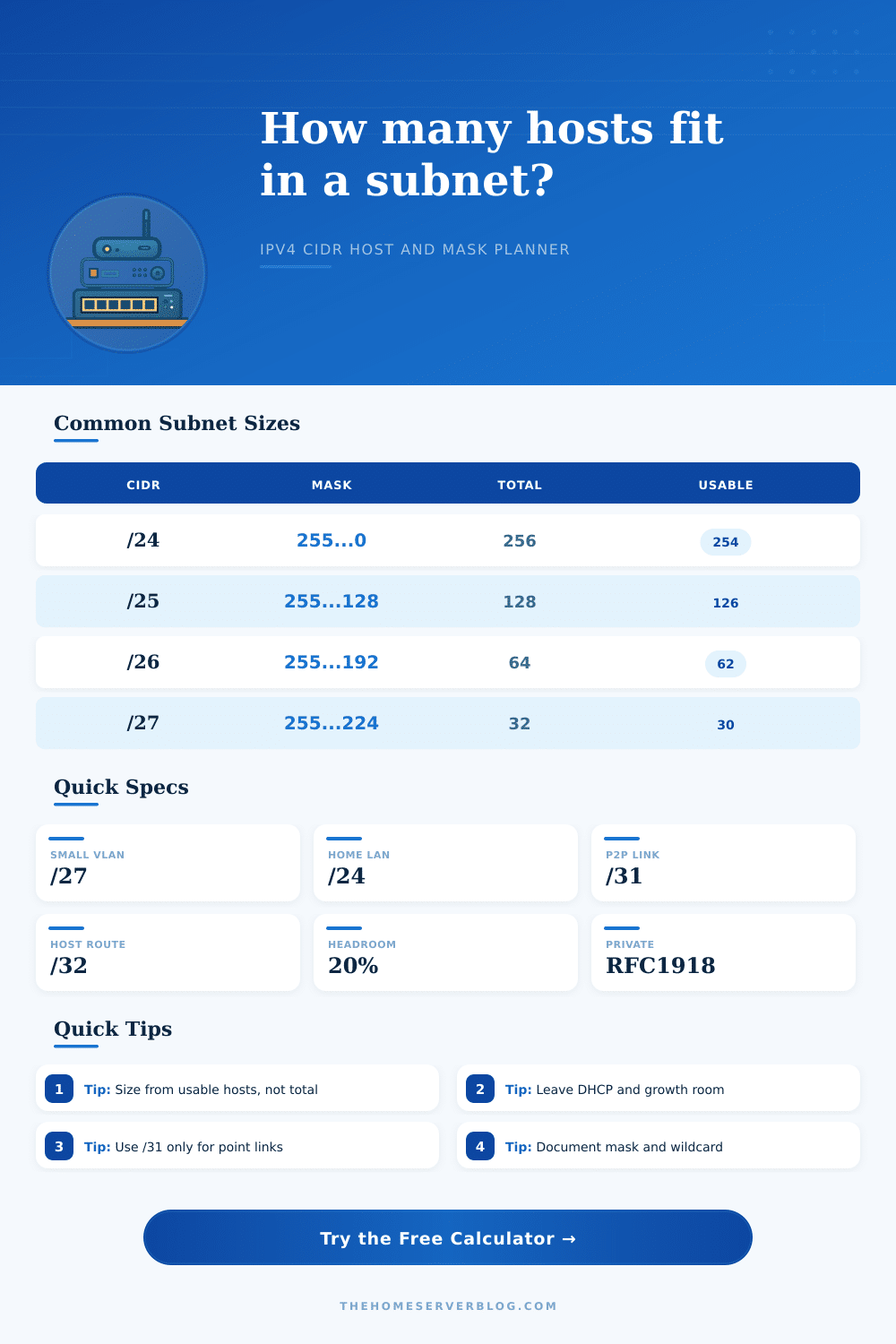
Subnet Host Calculator
Plan IPv4 subnets by CIDR prefix, required usable hosts, or a parent network split. The calculator returns usable host capacity, masks, wildcard masks, network ranges, broadcast addresses, and growth headroom.
Subnet Host Results
| CIDR | Subnet Mask | Total Addresses | Usable Hosts | Typical Home Lab Use |
|---|---|---|---|---|
| /30 | 255.255.255.252 | 4 | 2 | Legacy router point-to-point links |
| /29 | 255.255.255.248 | 8 | 6 | Small cluster, VIP pair, lab management |
| /28 | 255.255.255.240 | 16 | 14 | Guest WiFi, appliance segment, tiny DMZ |
| /27 | 255.255.255.224 | 32 | 30 | Small lab VLAN or camera group |
| /26 | 255.255.255.192 | 64 | 62 | Cameras, IoT, storage clients |
| /25 | 255.255.255.128 | 128 | 126 | Large IoT or mixed wireless network |
| /24 | 255.255.255.0 | 256 | 254 | Standard home LAN or single office VLAN |
| /23 | 255.255.254.0 | 512 | 510 | Large flat client network before segmentation |
| Range | Private Block | Common Split | Network Count | Planning Note |
|---|---|---|---|---|
| 10.0.0.0/8 | RFC 1918 | /16 per site | 256 sites | Best for multi-site labs and routed VLAN plans |
| 172.16.0.0/12 | RFC 1918 | /20 per site | 256 sites | Good middle ground when 10/8 overlaps VPNs |
| 192.168.0.0/16 | RFC 1918 | /24 per VLAN | 256 VLANs | Common home range, easy to read, often overlaps consumer VPNs |
| 169.254.0.0/16 | Link local | Automatic | Not routed | Do not use for planned routed home server segments |
| 100.64.0.0/10 | CGNAT | Provider use | Shared | Avoid for internal labs unless you intentionally model CGNAT |
| Parent | Child CIDR | Number of Subnets | Usable per Child | Example Layout |
|---|---|---|---|---|
| 192.168.0.0/22 | /24 | 4 | 254 | LAN, Servers, IoT, Guest |
| 10.10.0.0/20 | /24 | 16 | 254 | Site VLANs with room for growth |
| 172.16.8.0/21 | /26 | 32 | 62 | Cameras, APs, lab clusters, appliances |
| 10.99.0.0/24 | /29 | 32 | 6 | Point services, small routed islands, VIPs |
| 192.168.50.0/24 | /28 | 16 | 14 | Compact DHCP pools or isolated device groups |
| Prefix | Total Addresses | Usable Hosts | Where It Fits | Caution |
|---|---|---|---|---|
| /32 | 1 | 1 | Loopback, host route, firewall object | Not a shared Ethernet subnet |
| /31 | 2 | 2 | Point-to-point router links | Both ends must support RFC 3021 behavior |
| /30 | 4 | 2 | Traditional router links | Consumes two non-host addresses |
| /24 | 256 | 254 | Simple VLANs and DHCP scopes | Can become noisy if every device is mixed |
| /16 | 65536 | 65534 | Parent allocation, not flat LAN | Segment before using as one broadcast domain |
Subnet sizing involve determining how many IP addresses are to be included in a single network. Subnet sizing is a decision that must be made prior to the construction of a network. You must decide how many device will be included in a single network, but you also must provide for potential new devices that may be added to the network in the future.
The size of each subnet will determine whether DHCP scope will be manageable for the network, whether the network will have manageable broadcast traffic, and whether a single malfunctioning device within the network will impact the entire floor of the building. Often, individuals will begin subnet sizing by calculating the total number of addresses that the prefix that will be used for the network can provide. While the total number of addresses is an important consideration for many networks, it isnt the most important number.
How to Size a Subnet and Save IP Addresses for New Devices
The most important number is the count of usable addresses within the network; addresses for the network and broadcast addresses is removed from the total number of addresses. The difference between the total number of addresses and the number of usable addresses is small for large subnets, but becomes more prominent for smaller subnets. For instance, a /24 subnet may be considered a large number of addresses; however, it may appear small if the /24 addresses are used for point-to-point links or for management of network device.
A calculator can perform these calculations for you, thus removing the need to calculate powers of two. The numbers that you enter into the subnet calculator are the numbers that will be used to build your network. Therefore, the most useful information is the information regarding real devices.
For instance, you should include servers, cameras, access point devices, and other devices that have a static IP address within the number of required usable host. Additionally, you should include any addresses that will be used for gateways, monitoring systems, and static addresses for future devices in the number of reserved addresses. Headroom for future devices can be added to the total number of required hosts.
Additionally, a target percentage of utilization of the available addresses can also be entered into the calculator for review. Different modes can be used to calculate the subnets; known CIDR indicates the total number of addresses that the prefix can carry. Smallest subnet for hosts will calculate the smallest number of subnets that can be used for the number of devices that are to be connected to the network.
Split mode allows for the borrowing of bits for subnets, and each additional subnet that is assigned will reduce the number of addresses that can be provided for each of the resulting networks. Private address range will impact the management of your network. These subnets may cause issues for your network if you dont provide for those subnets in advance.
The 192.168.0.0/16 block of addresses is easy to read and easy to type into a router; thus, it is frequently used for home routers. However, the use of this range of addresses may lead to address conflict if two computers in separate home labs attempt to communicate with each other across a VPN. The 10.0.0.0/8 address range provides room for subnets to avoid address conflicts, but uses longer addresses that are more difficult to remember.
Neither range of addresses is incorrect for network design; however, each range of addresses will be permanent once they have been assigned to the network devices. Special cases for addresses include subnets of /31 and /32. A /31 link will use each address within the range as a host address; however, it will only save space if the routers supports using /31 links.
A /32 address is not a subnet; however, it can be used to advertise a single loopback address or a single firewall object. Using a /31 link or /32 address as if it were a traditional LAN may create issues with managing the routing tables of the devices on that network, and may make troubleshooting issues between those devices difficultly. One of the most important piece of information returned from a subnet calculator is the usable address count after the number of planned network hosts have been subtracted.
This remaining usable count will tell you if your network will be able to accommodate new devices in the future, and whether or not you will need to create new subnets in the near future. A status line may be included with the results of the calculator to indicate whether or not the remaining usable addresses are an acceptable number for the network. Both the subnet mask and the wildcard mask should be documented at the same time that the network is being designed.
Access lists and routing protocols will require the wildcard mask; however, many network designer only document the dotted mask. By noting both the subnet mask and the wildcard mask for each network, you will reduce the chance of introducing errors when configuring those access lists and routing protocols. In addition to noting the subnet mask and wildcard mask, it is also important to note which addresses are to be used for gateways and monitoring systems.
These notes will make it easier to make changes to those addresses and to search for specific information within the network. Finally, while the subnet calculator will allow you to quickly calculate subnets, the most valuable use of the calculator is for ensuring that you have provided for headroom and reserved addresses prior to begin to assign IP addresses to network devices. You should of checked this before you starts.